Disable IPv6
If you are not using IPBurger Extension for browsers, you must disable IPv6 on your computer to properly use IPBurger VPN services. Otherwise, your real IP address might be leaked.
For using VPN Software/Protocols such as SoftEther, L2TP, or OpenVPN, you must disable IPv6.
Disable IPv6 on Windows 7 and higher versions
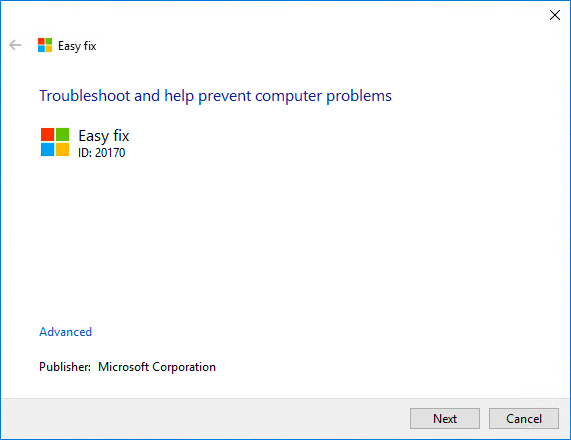
Microsoft has created a small program that easily does the job.
Download it here: Disable IPv6 on Windows
1. Find the Disable-IPv6.mini and open it.
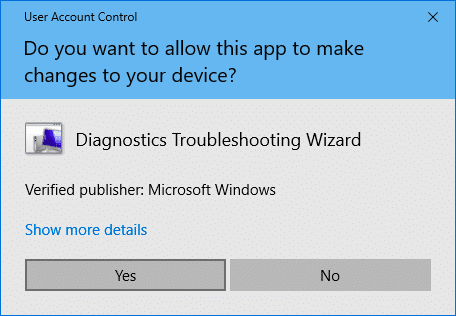
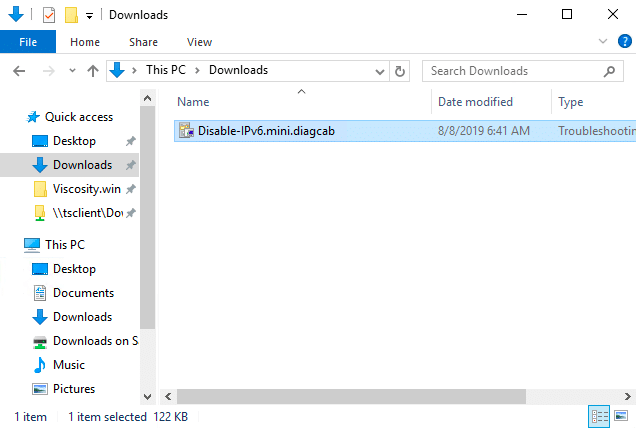
2. Click Next and let it apply the fix.
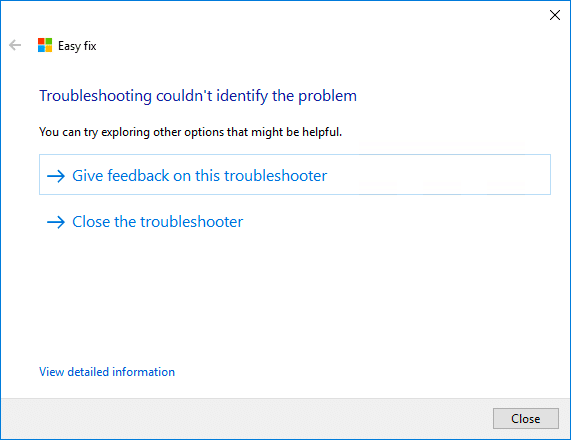
In case IPv6 is already disabled on your computer, you will see the below message:
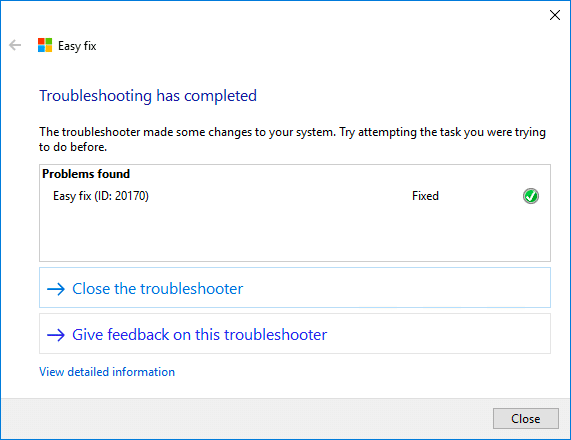
Once done, you will see the below confirmation:
3. Restart your PC for the changes to take effect.
That’s it, your IPv6 is now disabled, and you can safely use the VPN.
Disable IPv6 on macOS 10.7+
1. Open the Terminal.
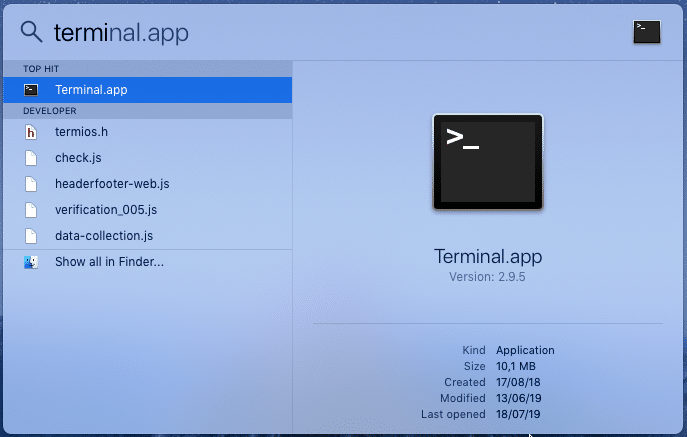
2. Copy-paste the following commands and run it inside the Terminal.
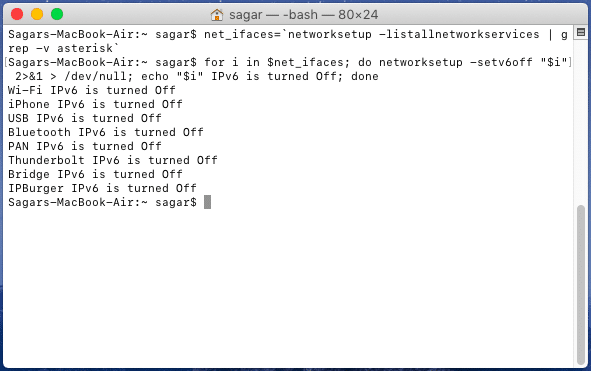
That’s it, your IPv6 is now disabled, and you can safely use the VPN.
For any queries, feel free to reach out to our Support, we are happy to help!