Get high quality Fresh/Dedicated IPs
At IPBurger, we excel in providing Fresh and Dedicated IP Addresses for your business accounts.
Why IPBurger?
For years, IPBurger has been a trusted source of up-to-date IP Geolocation information, and we know what is the Best Quality IP Address for a business account.
- We take extra care in testing the quality of our IP Addresses. In the years of testing and tweaking, we have built automated tests on our IPs to ensure that the web/business services that our customers use, consider our IPs to be the highest quality ones. If an IP fails any of these checks, we instantly remove them from our system, and never assign it to a customer.
- We only purchase and sell small IP ranges, to ensure that no IP range is overloaded that leads to linkages and suspensions.
- You get a Fresh (never been used) IP address. We spend much of our resources in finding and acquiring high-quality Fresh IP addresses for our customers. Once an IP is used by a customer, we don’t sell it as a Fresh IP anymore.
- When you purchase multiple IP addresses from IPBurger, we assign you IPs in ranges as distinct as possible, avoiding any chances of linkage.
- We have hundreds of highly satisfied customers using our services. You can read their reviews
How to get a Fresh/Dedicated IP on IPBurger?
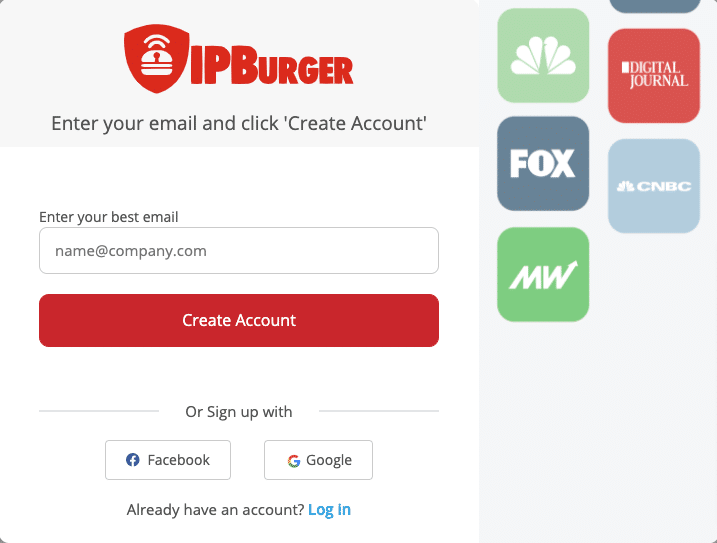
The first step is to sign up. Visit the Sign up page. Fill in the form and complete the sign up process.
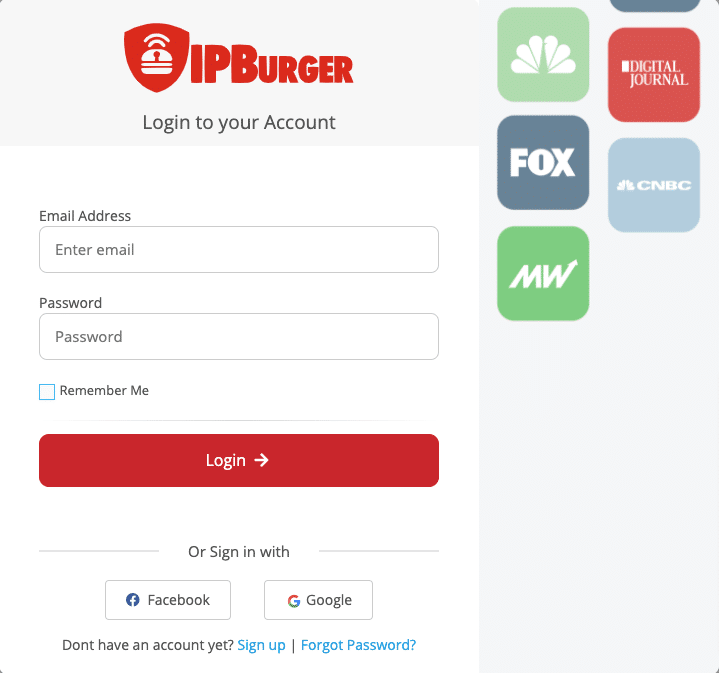
If you already have an account with IPBurger, you can directly visit the Login page.
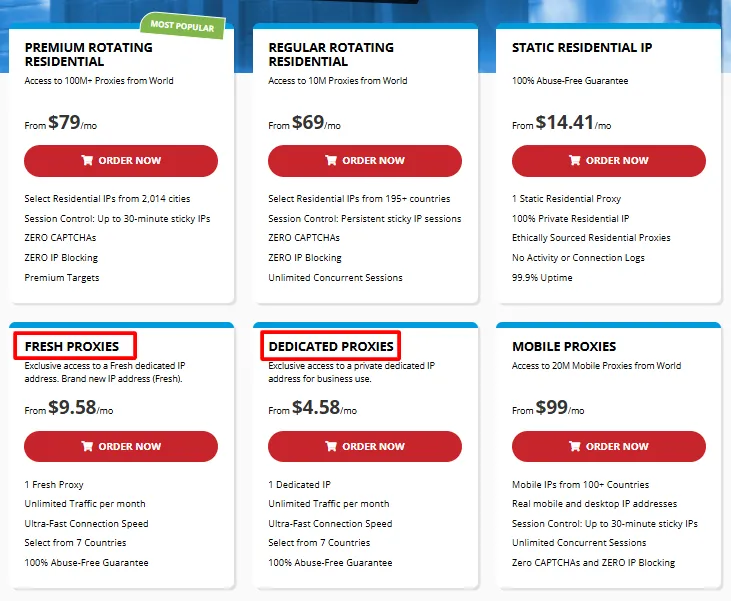
Once done, visit the Home page. Select either in Fresh Proxies or Dedicated Proxies depending on your needs. If you are using the IP for eBay/PayPal, it is recommended to go for Fresh Dedicated IPs.
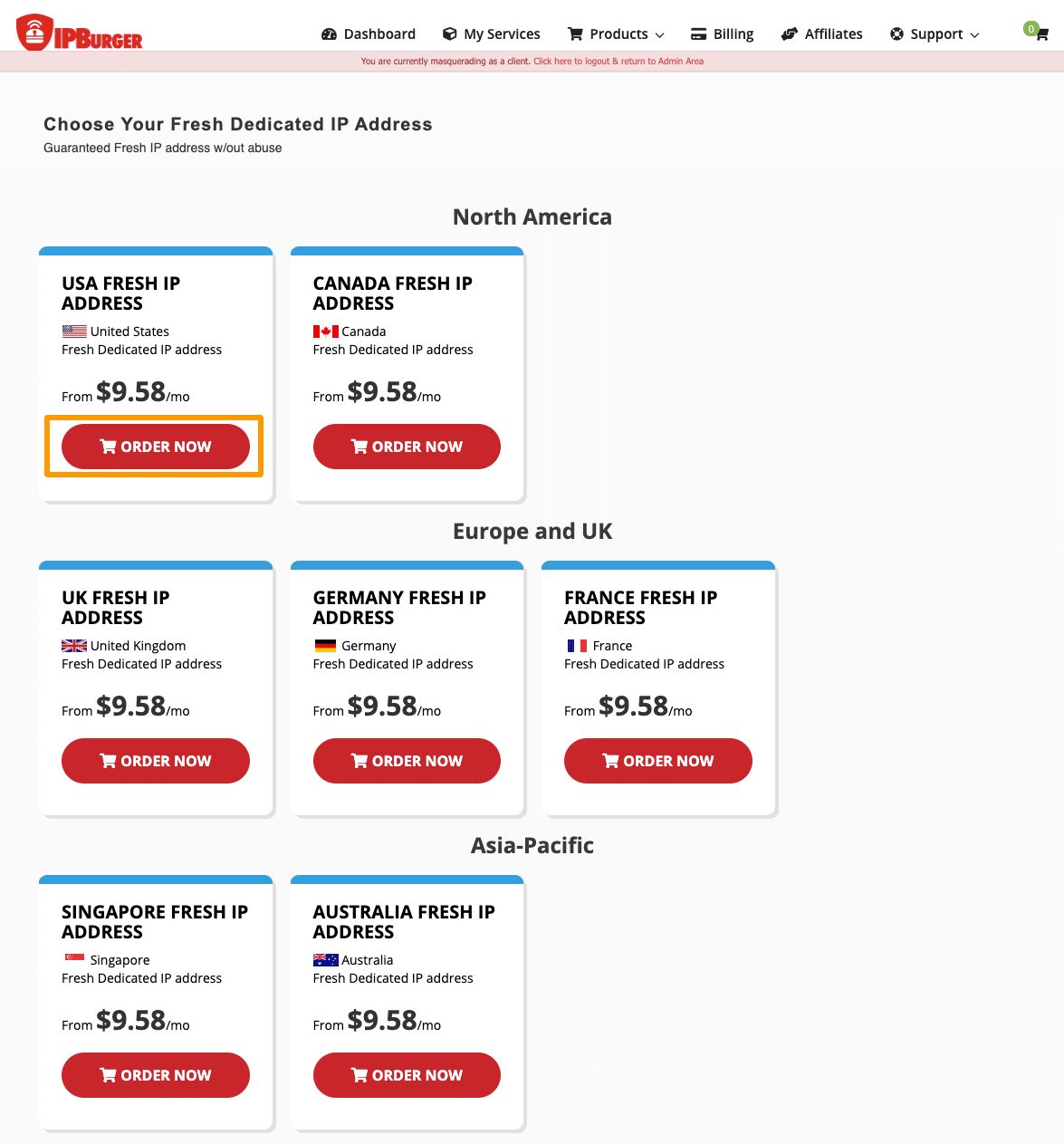
You will see the countries available for IPs. You can select the country that you need.
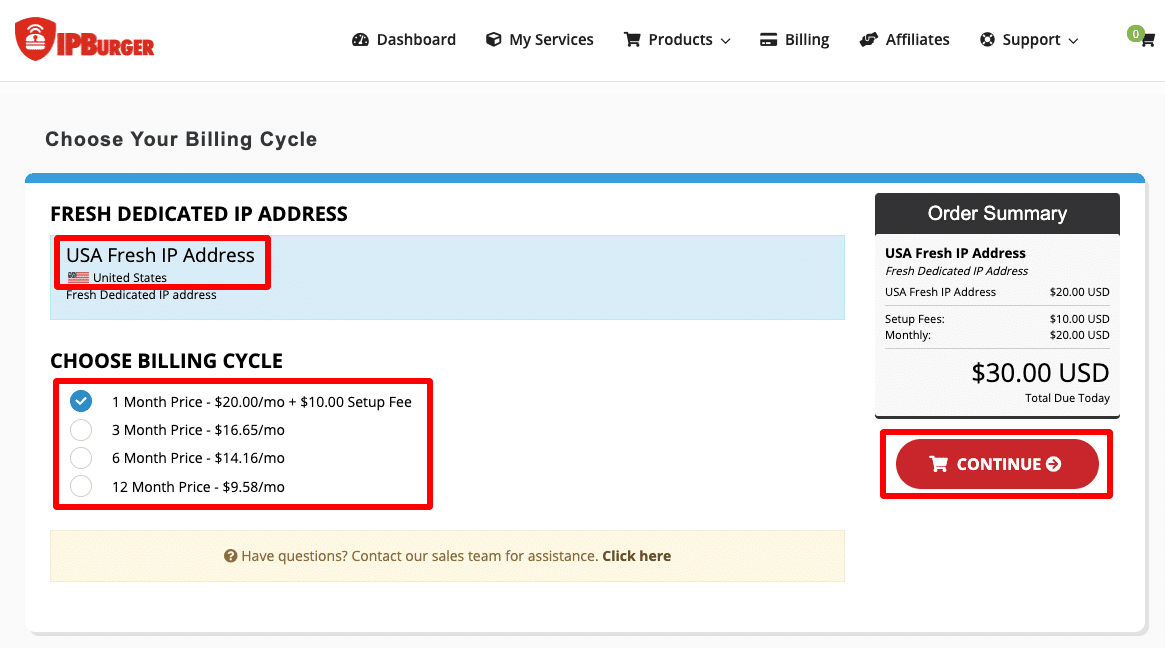
Afterwards, you can select the plan. Longer plans help you save a good amount on your IP. The cart amount will be updated automatically after your plan selection.
Click on the Continue button and you will be redirected to the next page.
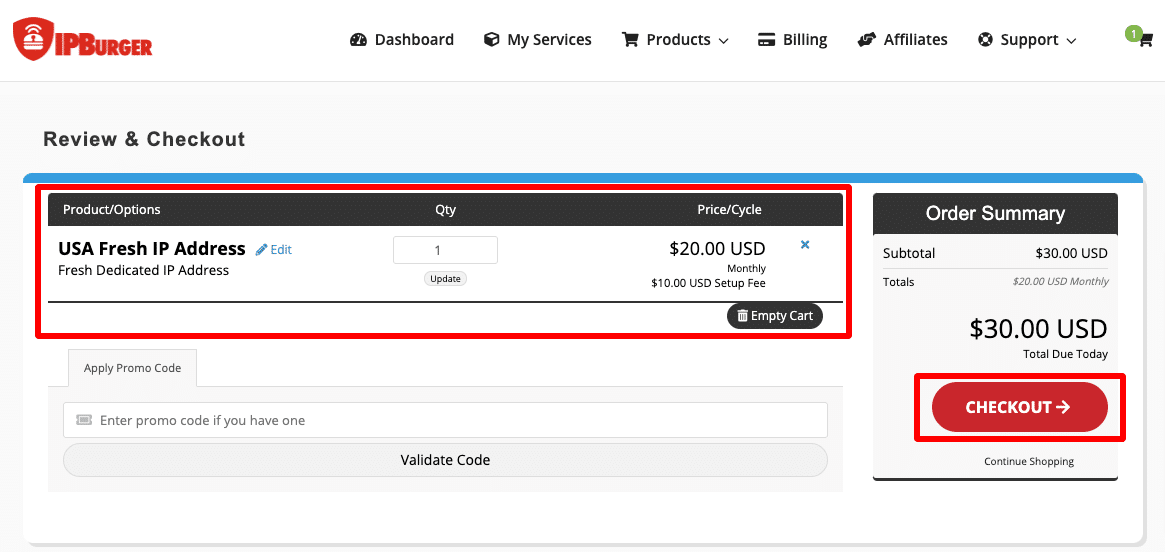
Review & Checkout page displays your orders. Ensure that you have selected the right country and the right plan. If everything is good, you can move ahead to Checkout.
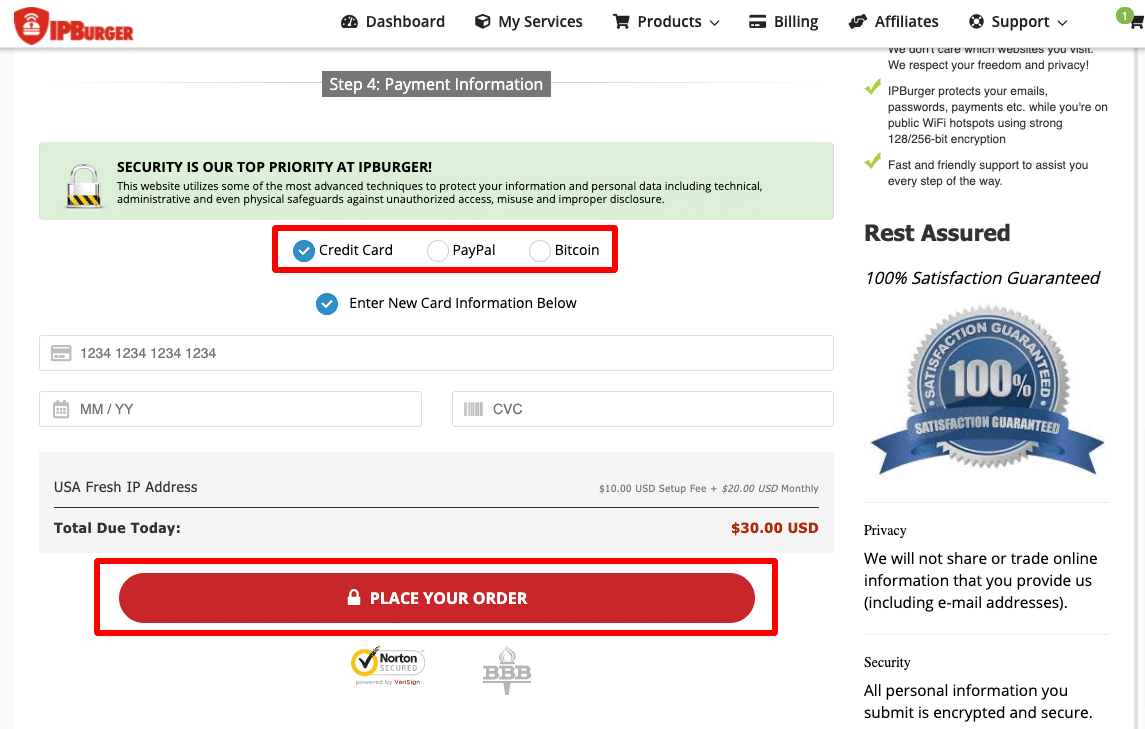
All the details on the top will be filled in automatically as you are already signed in. Select your preferred payment method and click on the Place Your Order button.
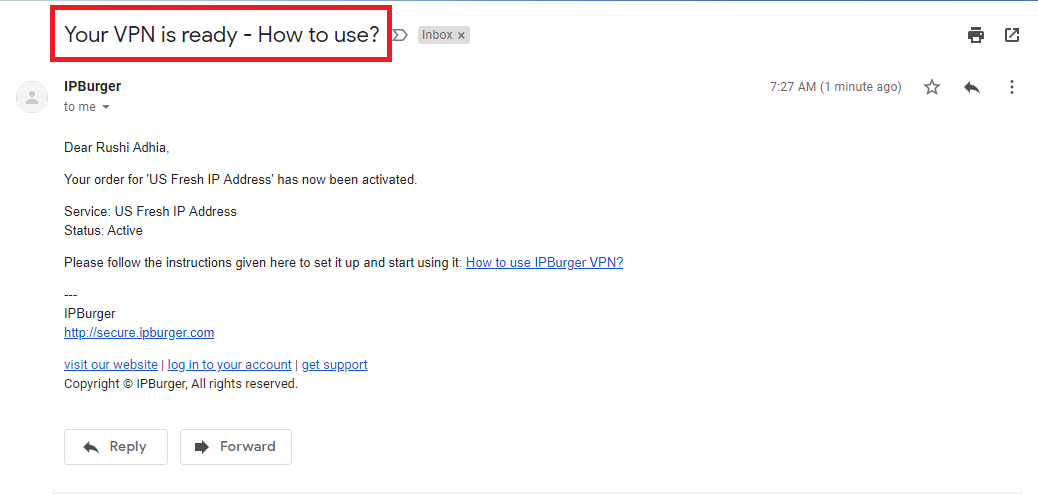
After your payment has been confirmed, we will immediately complete your order and send you an email with the subject “Your VPN is ready – How To Use?”
Follow the link mentioned in the email to read the step-by-step guide on how to set up the VPN on your device.